TikTok has matured from a dance-challenge app into the world’s most powerful vertical discovery search engine. Affluent travelers, honeymooners, luxury cruisers, and multi-generational families turn to TikTok to visually inspect destinations, compare overwater villas, and evaluate cruise deck plans long before contacting a travel professional.
However, managing native mobile uploads while juggling client quotes, supplier confirmations, and itinerary proposals quickly turns into an administrative nightmare. The Travel Advisor Pro TikTok Marketing Engine provides an enterprise-grade desktop calendar workspace designed specifically for travel advisors and agency owners. This manual provides complete technical specifications, formatting benchmarks, and publishing best practices to maximize your agency’s reach.

The Travel Advisor Pro unified social calendar: Schedule TikTok videos and 35-photo carousels weeks in advance from your desktop.
Technical Architecture
Supported Content Formats: Videos vs. Photo Carousels
The Travel Advisor Pro publishing engine natively supports two distinct, high-engagement TikTok media types. Each format serves a strategic role in your agency’s client acquisition funnel.
| Feature Specification |
TikTok Video Posts |
TikTok Photo Carousels |
| Supported File Types |
.mp4 (recommended), .mov |
.jpeg, .webp (PNGs auto-converted to WebP) |
| Maximum Capacity |
1 video clip per scheduled post |
Up to 35 images in a single swipeable carousel |
| File Size Ceiling |
Up to 500 MB per video |
Up to 20 MB per individual photo |
| Duration & Length |
3 seconds to 10 full minutes |
User-directed swipe pacing (no timer limit) |
| Resolution Benchmarks |
Minimum 540px width (1080×1920 9:16 recommended) |
Up to 1080p crisp high-definition display |
| Audio Configuration |
Original video audio or Top 100 commercial music tracks |
Curated background music accompaniment |
| Primary Travel Use Case |
Resort fly-throughs, balcony reveals, expert advice |
Day-by-day itineraries, packing lists, room comparisons |
Advisor Strategic Takeaway: The 35-Image Advantage
Most social schedulers cap photo uploads at 10 images. Travel Advisor Pro allows you to schedule up to 35 high-resolution photos in a single TikTok carousel. This lets you showcase a comprehensive 7-day luxury European itinerary, complete with hotel suites, dining venues, and excursion highlights, without forcing your audience into multi-part posts.
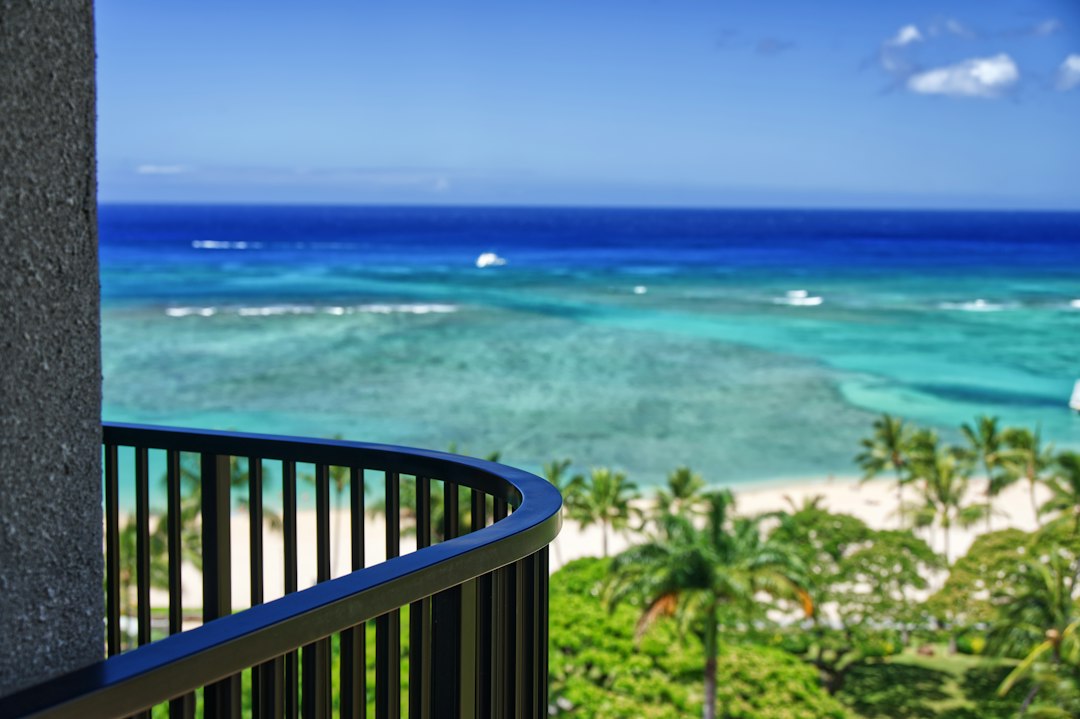
Travel Advisor Pro supports 35-image carousels: Walk prospective clients through an entire luxury suite, balcony plunge pool, and resort grounds in a single post.
Engine Controls
Post Settings & Platform Capabilities
Scheduling directly inside Travel Advisor Pro bypasses many of the frustrating barriers found in TikTok’s native web tools. Here is how our publishing suite streamlines your day-to-day workflow:
Universal Account Support
TikTok Studio’s native browser scheduler strictly limits scheduling to Creator and Business profiles. In contrast, Travel Advisor Pro supports direct scheduling across Personal, Creator, and Business accounts. Whether you run a solo personal brand or an incorporated agency page, you can schedule seamlessly.
Extended Scheduling Range
Native TikTok scheduling caps planning at a restrictive 10 days into the future. Travel Advisor Pro allows travel agencies to schedule posts weeks or months in advance. Plan your entire Wave Season campaign or summer vacation rush across the visual drag-and-drop master calendar.
Interaction Permission Toggles
Protect your brand and drive community participation. Directly from the composer, toggle permissions to Allow Comments, Allow Duets, and Allow Stitches. Turn Duets on for interactive client reaction videos or disable them for formal luxury showcase tours.
Audience Privacy Controls
Select the exact visibility status upon publication. Choose between Public (full FYP algorithm distribution), Friends (mutual followers only), or Only Me (private release, perfect for agency leadership review or client sign-off before making public).
Custom Video Cover Frame Selection
First impressions dictate whether a profile visitor clicks your video. Travel Advisor Pro gives you an interactive scrubber to select any exact frame from your uploaded video clip as your permanent thumbnail cover, ensuring your profile grid remains pristine and professional.
Compliance & Required Disclosures
Comply effortlessly with social guidelines and advertising laws. Activate native switches to declare content as “AI-generated content” (if using AI voiceovers or synthetic video elements) or Commercial Content (“Your brand” or “Branded content” for supplier fam trip co-ops).
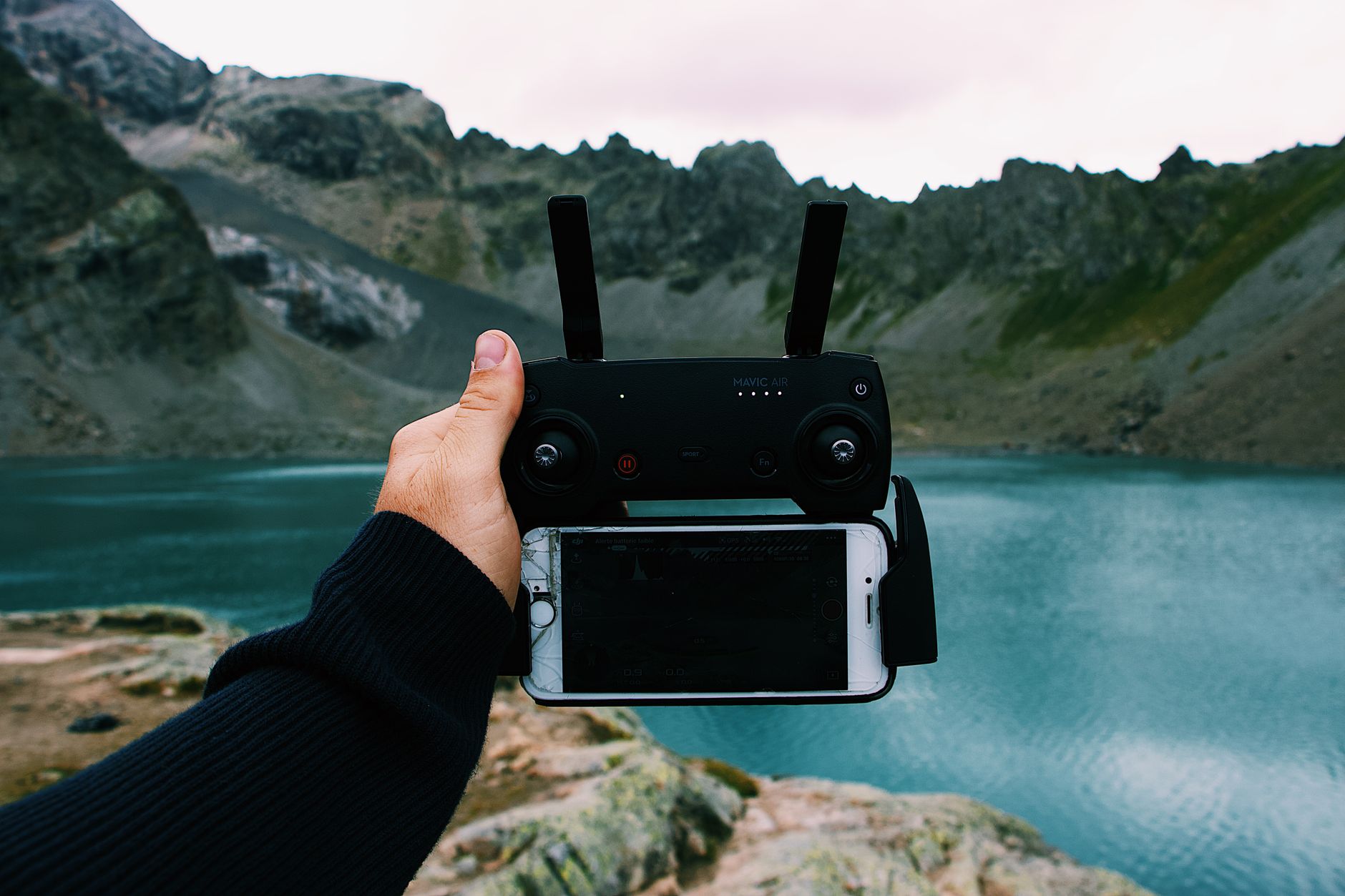
Capture stunning 9:16 vertical travel B-roll on your phone during fam trips, then upload up to 500 MB video files directly to Travel Advisor Pro.
Workflow Flexibility
Dual Publishing Modes: Auto-Publish vs. Manual Notification
Different marketing campaigns demand different publishing workflows. Travel Advisor Pro equips your agency with two distinct publishing pathways:
Fully Automated
Auto-Publish Mode
100% Hands-Off Execution: Set the exact date and time, compose your caption, pick your cover frame, and let Travel Advisor Pro do the rest.
- Publishes automatically without requiring your phone or confirmation.
- Ideal for scheduled content while you are flying, in meetings, or with clients.
- Select from TikTok’s Top 100 commercial music tracks for Business accounts.
- Supports full video posts and 35-image carousels.
Best for: Consistent daily batch scheduling & evergreen promotions
Interactive Bridge
Manual (Notification) Mode
Native Polish on the Go: Travel Advisor Pro prepares your media and sends a push notification to your smartphone at the scheduled moment.
- Tapping the notification opens TikTok with video and caption ready.
- Add native interactive stickers (Q&A polls, quizzes, countdowns).
- Pair with niche non-commercial trending audio sounds natively.
- Add precise location geotags directly in the native TikTok app.
Best for: High-engagement interactive polls, geotags & viral sound trends
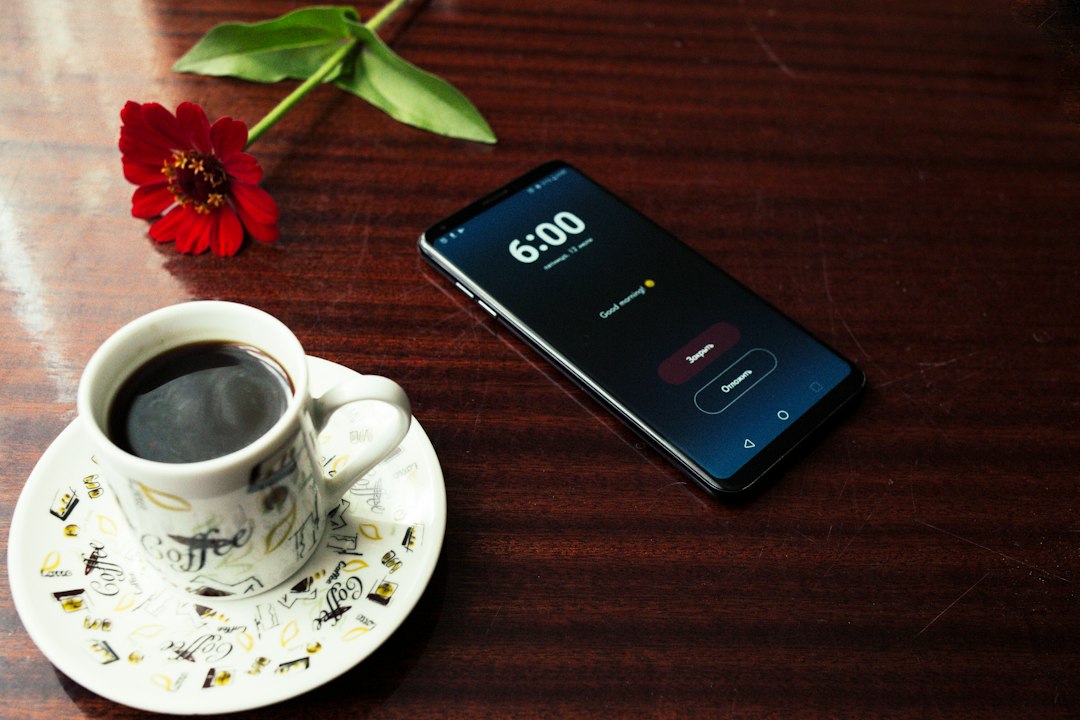
Switch seamlessly between 100% automated publishing and push-notification mode for adding native stickers and geotags.
Sonic Branding
Music & Audio Selection: Commercial Sounds vs. Personal Profiles
Sound is the heartbeat of TikTok. Over 88% of TikTok users report that audio is essential to the platform experience. Travel Advisor Pro gives you smart audio controls based on your account configuration:
Commercial Audio Library
Top 100 Trending Tracks
Business Account Audio Integration
When managing a registered Business Account, copyright compliance is vital to avoid muted videos or penalties. Travel Advisor Pro integrates TikTok’s Top 100 trending commercially-cleared songs directly into the calendar composer.
- 100% Copyright Cleared: Safe for commercial travel promotion and client acquisition.
- Trending Trajectory: Tap into surging viral sounds cleared for corporate use.
- Personal Account Carousel Audio: Personal accounts can pair custom audio accompaniment with 35-photo carousels.

Select commercially licensed trending tracks from TikTok's Top 100 library directly within the Travel Advisor Pro composer.
Formatting Best Practices
Platform Network Guidelines: Formatting Captions & Media
To ensure your scheduled content looks immaculate when it appears on the For You Page (FYP), keep these network specifications in mind:
Caption Paragraph Structure
The TikTok publishing network automatically merges caption text breaks into a continuous paragraph upon direct automated delivery. Standard double enters are collapsed into a continuous text block.
Recommended Advisor Solution:
Use visual delimiters to separate ideas cleanly:
✈️ 7-Night Amalfi Coast Private Yacht Charter • Highlights below: • Private Capri Grotto tour • Sunset cliffside dining • DM ‘AMALFI’ to book
Need hard vertical paragraph breaks? Use Travel Advisor Pro’s Manual Notification Mode to paste formatted line breaks directly into TikTok natively.
Single Media Format Per Post
TikTok does not permit mixed media in a single upload. You cannot combine video clips and static images within the same post.
Advisor Best Practice:
Keep video tours and photo carousels as dedicated standalone posts. A great luxury strategy is to post a 15-second teaser video in the morning, followed by a 25-photo carousel with full itinerary details in the evening.
Both formats can be scheduled simultaneously across your monthly calendar view.
Geotagging & Native Interactive Stickers
Direct automated publishing focuses on rapid, scheduled video and photo carousel deployment. If you wish to attach a specific resort location tag (e.g., Four Seasons Resort Bora Bora) or interactive voting stickers, schedule your post using Manual Notification Mode. You will receive an instant phone alert at the scheduled time with caption and video copied, ready to add the native geotag in 10 seconds.
Standard Operating Procedure
Step-by-Step: How to Schedule a TikTok Post in Travel Advisor Pro
Follow this seamless workflow to schedule high-performing TikTok travel content:
1
Open the Publishing Calendar & Pick Your Slot
Navigate to the Travel Advisor Pro calendar workspace. Click any date or time slot, or drag and drop to pinpoint your ideal publishing window.
2
Upload Your Media (Video or Photo Carousel)
Upload an MP4/MOV video up to 500 MB, or upload up to 35 high-resolution JPEG/WebP photos for a carousel. PNG images are automatically optimized.
3
Draft Your Caption & Hashtags
Craft your copy using bullet delimiters for clean visual readability. Mention partner resort handles with @ and include targeted travel hashtags.
4
Select Your Cover Thumbnail & Configure Audio
Use the video frame scrubber to lock in the most compelling visual thumbnail. If using a Business Account, browse the Top 100 trending commercial songs.
5
Set Permissions & Compliance Toggles
Enable or disable Comments, Duets, and Stitches. If featuring sponsored supplier co-op content or AI elements, switch on the appropriate disclosure toggles.
6
Choose Publishing Mode: Auto-Publish or Manual Notification
Select Auto-Publish for 100% hands-free release, or choose Manual Notification mode if you plan to add native stickers or location tags upon release.
High-Converting Content
3 High-Converting TikTok Formats for Luxury Travel Advisors
Deploy these proven content frameworks across your Travel Advisor Pro calendar to convert passive scrollers into qualified, planning-fee-paying clients:
The 25-Slide Itinerary Carousel
Cover slide with hook: “Don’t book Tahiti without seeing this 7-day flow.” Followed by room photos, dinner menus, transfers, and private catamaran tours. Slide 25: “Link in bio to book VIP perks.”
The Unfiltered Room Walkthrough
A 45-second high-def vertical tour filmed on your smartphone during a fam trip. Show the balcony plunge pool, bathroom amenities, and ocean view. Unfiltered authenticity consistently beats corporate stock videos.
The “Booking Direct vs. Advisor” Reality Check
A 60-second side-by-side comparison explaining complimentary \$100 resort credits, room upgrades, and free daily breakfast secured through Virtuoso host connections.
Enterprise Infrastructure
Unlock the Full-Circle Ecosystem: Host Agency Partnerships
Travel Advisor Pro is built to scale alongside modern travel entrepreneurs. Whether you are an independent advisor seeking turnkey marketing tools or an agency principal managing dozens of producers, our host network provides unmatched advantages:
Top-Tier Host Agency
Vincent Vacations
For independent travel advisors looking to maximize income, streamline technology, and gain direct access to elite luxury consortia amenities.
-
100% Sponsored Marketing Suite: Travel Advisor Pro tools included for all affiliated advisors.
-
Virtuoso Luxury Amenities: VIP perks, upgrades, and breakfast benefits for your clients.
-
Industry-Leading Splits: Earn 80% to 90%+ commission tiers.
-
Profile Sync: Unified advisor branding across social platforms.
Explore Joining Vincent Vacations
Agency Management Portal
Travel Agent Pro
The enterprise operating platform for agency owners, host principals, and agency networks managing multi-advisor teams.
-
Multi-Advisor Portals: Centralized publishing, approval queues, and brand governance.
-
Turnkey Advisor Sponsorship: Provide marketing tools to recruit elite producing ICs.
-
Lead Routing: Automatically route inbound inquiries to appropriate destination specialists.
-
Commission Overrides: Real-time financial dashboards and tier tracking.
Agency Owner Portal Details

Scale your agency: Host principals sponsor Travel Advisor Pro across all independent advisors to guarantee unified brand excellence and explosive social growth.
Clear Answers
Frequently Asked Questions About TikTok Scheduling
Travel Advisor Pro supports up to 35 high-resolution images in a single TikTok photo carousel. Supported formats include JPEG and WebP up to 20 MB per photo. If you upload PNG files, our workspace automatically converts them to high-efficiency WebP so they publish without friction.
You can upload video files from 3 seconds up to 10 full minutes in duration, with a maximum file size of 500 MB. We recommend MP4 format with a vertical 9:16 aspect ratio (1080×1920) for optimal viewer retention on mobile screens.
You can schedule to Personal, Creator, and Business accounts. Unlike native TikTok tools that restrict browser scheduling to Creator and Business accounts, Travel Advisor Pro provides universal scheduling access across all account classifications.
You can schedule posts weeks or months in advance. TikTok native scheduling imposes a strict 10-day limit, which prevents long-term campaign planning. With Travel Advisor Pro, travel agencies can map out complete quarterly promotional calendars with complete peace of mind.
Simply select Manual (Notification) Mode when scheduling in Travel Advisor Pro. When your post is scheduled to go live, you receive a mobile push notification. Tapping it opens TikTok with your prepared video and caption already copied, allowing you to add interactive sticker polls, quizzes, or trending native sounds in seconds.
TikTok’s automated ingest processes captions as a continuous block of text, collapsing hard returns. To keep your captions easy to read, use emojis or bullet symbols (•, |) as section dividers. If strict paragraph formatting is essential, use Manual Notification mode to retain native line breaks.
Enterprise Agency Growth
Ready to Automate Your Agency’s TikTok Marketing?
Join hundreds of elite travel advisors and agency principals dominating TikTok, Instagram, Facebook, and LinkedIn from a single unified marketing dashboard.