
Centralized marketing control: Streamline your Facebook presence, media assets, and client acquisition workflows in one unified dashboard.
Formats & Dimensions
Supported Post Formats: Showcase Travel with Maximum Visual Impact
Travel Advisor Pro supports the complete spectrum of Facebook content formats. From multi-image luxury resort photo dumps to vertical short-form video reels, our publishing calendar ensures your travel media renders flawlessly across desktop and mobile devices.
Multi-Image Albums (Up to 35 Photos)
Upload up to 35 high-resolution images in a single scheduled post. Facebook automatically organizes your photos into an eye-catching, responsive photo collage and album. This is ideal for full property inspections, stateroom category breakdowns, and multi-day destination itineraries.
Videos & Facebook Reels (3 to 90s)
Schedule both standard landscape feed videos and vertical 9:16 Facebook Reels. Reels must be between 3 and 90 seconds in length. Vertical short-form videos receive preferred algorithmic distribution across non-followers on Facebook.
Facebook Stories (Up to 60s)
Publish ephemeral Facebook Stories up to 60 seconds in duration. Keep your agency at the very top of your followers' feeds with behind-the-scenes trip planning clips, last-minute stateroom openings, and daily travel tips.
Animated GIFs (1 Per Post)
Add personality to your social feed by attaching up to 1 animated GIF per post. Great for celebrating a client's departure day, kicking off a weekend countdown, or sharing relatable travel humor.

Multi-photo storytelling: Showcasing full suite layouts, plunge pools, and resort dining in a single 35-image post drives massive save and share rates.
Advanced Controls
Post Settings & Capabilities: Enterprise Tools at Your Fingertips
Unlike basic native social tools that offer limited controls, the Travel Advisor Pro publishing engine equips travel consultants with a robust array of customization features designed to elevate your professional presentation.
1. Massive 16,192-Character Limit
Never worry about arbitrary caption cutoffs. With a ceiling of 16,192 characters, you have complete creative freedom to publish long-form luxury reviews, comprehensive day-by-day itineraries, detailed packing checklists, and transparent pricing breakdowns.
2. Official Business Page Mentions & Partner Tagging
Tag your luxury supplier partners directly in your post copy. Type @ followed by the official business page name (e.g., @FourSeasons, @SandalsResorts, @VikingCruises) to tag hotels, cruise lines, and tourist boards. This signals to suppliers that you are actively promoting their brand and increases the chance of partner resharing.
3. Geographical Location Tagging
Attach precise locations to your scheduled posts. Whether you are featuring a boutique hotel in Positano, a safari lodge in the Serengeti, or your agency's physical headquarters, location tagging boosts your visibility when travelers browse regional check-ins and destination feeds.
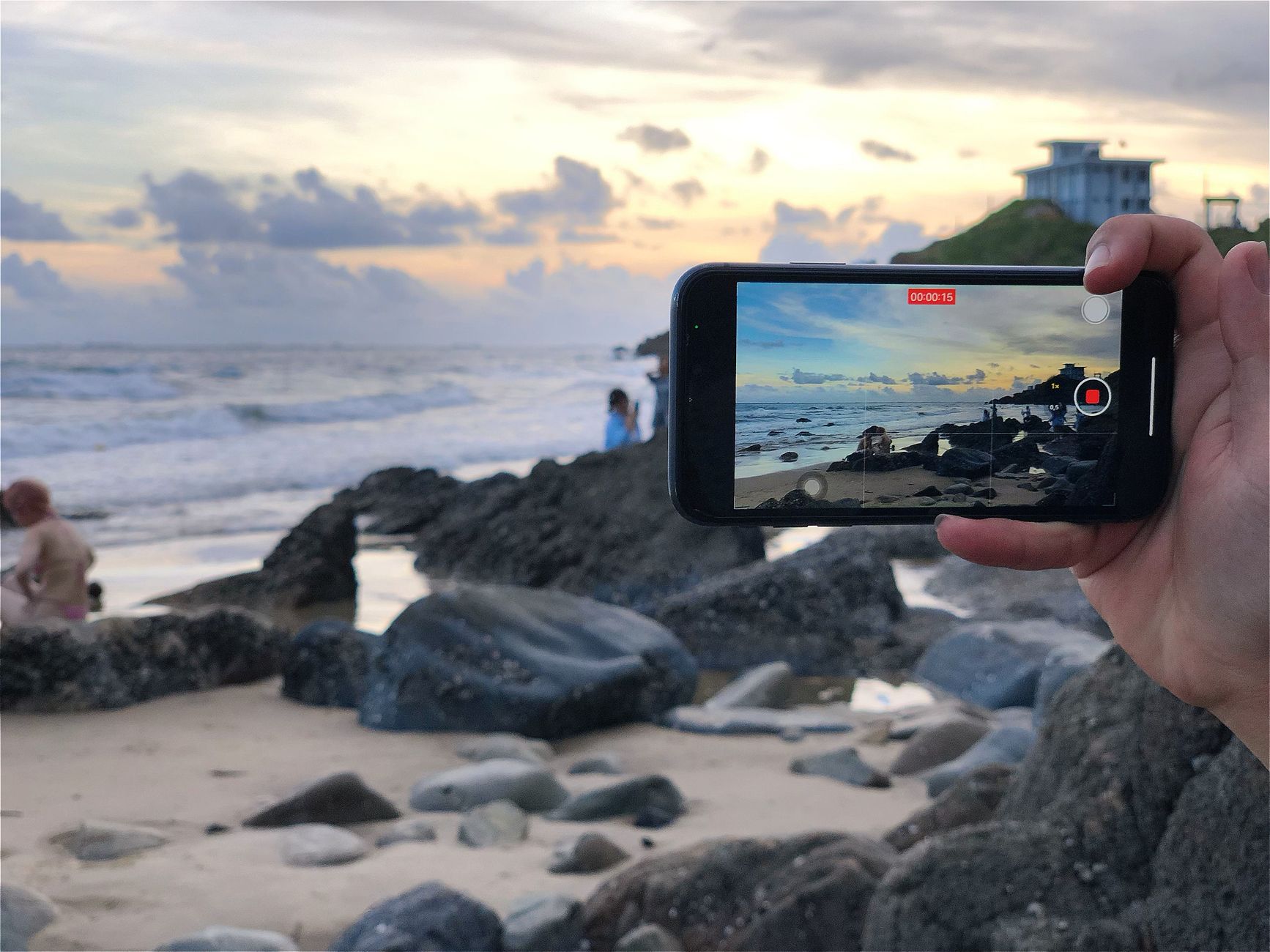
Custom video covers: Upload bespoke thumbnail covers and titles to ensure your Facebook Reels maintain an immaculate aesthetic.
4. Custom Video Covers & Titles
Don't let Facebook choose a random, blurry video freeze-frame as your thumbnail. Travel Advisor Pro allows you to upload a custom branded cover image and enter a dedicated video title so your videos look polished and compelling on your page feed before a user even taps play.
5. Image Alt-Text Accessibility
Add descriptive alt text to your images with a single click. This ensures your content is fully accessible to visually impaired followers using screen readers while reinforcing your agency's commitment to professional digital standards.
6. Direct Post Promotion & Boosting
Want to get extra eyes on your latest luxury group departure or cruise promotion? You can select post promotion options directly within your scheduling workflow, saving you the hassle of navigating separate ad interfaces.
AI Assistant
Built-in AI Copywriting Assistant: Overcome Writer's Block Instantly
Struggling to find the right words to describe an overwater villa in Bora Bora or a private catamaran sail in Greece? Travel Advisor Pro includes a specialized AI Copywriting Assistant right inside the post creation window.
Instant Hook Generation:
Generate curiosity-inducing opening sentences that stop scrollers in their tracks and compel them to tap “See More.”
Length & Tone Adaptation:
Expand a quick bullet point into a rich luxury narrative, or condense a long description into a punchy, bite-sized social caption.
Multi-Language Nuance:
Translate foreign destination phrases, menu terms, and regional greetings accurately for authentic international spotlights.
Compelling CTAs:
Draft persuasive, non-salesy calls to action encouraging prospective clients to message your page or book a discovery call.

Intelligent assistance: Hone your luxury copywriting and caption hooks in seconds using your in-calendar AI assistant.
Operational Guide
Step-by-Step: How to Schedule a Post in Travel Advisor Pro
Publishing through your Travel Advisor Pro calendar takes less than two minutes. Follow this seamless 5-step workflow:
-
Open Your Publishing Calendar: Navigate to the Planning or Calendar tab inside your Travel Advisor Pro workspace. Select your preferred date and time, or tap Create Post.
-
Select Your Facebook Brand Channel: Confirm that your official agency Facebook Page is selected. If you cross-post to Instagram or LinkedIn, you can toggle those channels simultaneously.
-
Attach Your Media: Drag and drop up to 35 high-resolution photos, upload a 9:16 vertical Reel, or select a video. Upload your custom cover image and add a title if publishing video.
-
Craft Your Copy & Configure Settings: Write your caption or use the built-in AI assistant to generate captivating copy. Add your geographical location tag, tag partner business pages with
@, and enter your Auto First Comment with your booking link.
-
Schedule or Publish: Review your live preview on the right-hand panel. Choose Schedule to lock in your date, or use our intelligent best-time recommendations to publish during peak follower engagement.
Network Guidelines
Format Best Practices: Multi-Image Albums vs. Paid Ads
To get the highest return on your marketing investment, it helps to understand how Facebook treats different media formats across its network:
Organic Feed: Responsive Photo Grids
When you schedule a multi-image post for your organic Facebook feed (up to 35 images), Facebook formats your photos into an attractive responsive grid and photo album. Viewers click to expand and browse full-screen, which generates high comment and share velocity.
Paid Campaigns: Swipeable Carousel Cards
If you are running targeted paid Meta advertising campaigns through Travel Advisor Pro's Ads management suite, you can deploy multi-card swipeable carousels where each individual card links to a specific destination package or landing page.
Tagging Best Practice:
In line with Facebook network guidelines for scheduling platforms, business page tagging applies to official business pages, hotels, cruise lines, and commercial partners. Personal individual profiles cannot be pre-tagged in scheduled updates.
Frequently Asked Questions
Frequently Asked Questions About Travel Advisor Pro Facebook Scheduling
Inside Travel Advisor Pro, you can upload and schedule up to 35 high-resolution images in a single Facebook feed post. Facebook renders these as an attractive, responsive multi-photo collage and album, perfect for comprehensive resort walkthroughs, stateroom category comparisons, and multi-day itinerary photo dumps.
Auto First Comment allows you to pre-schedule a dedicated first comment that publishes the exact moment your post goes live. Travel advisors use this to drop consultation booking calendar links, state seller of travel license disclosures (CST/SOT), or secondary hashtags without cluttering the main storytelling copy.
Facebook Reels scheduled through Travel Advisor Pro must be between 3 and 90 seconds in duration, formatted in vertical 9:16 aspect ratio. You can upload custom video thumbnail covers and add custom video titles directly in the scheduler.
The in-calendar AI assistant can automatically draft curiosity-driven opening hooks, adjust caption length, suggest engaging calls to action, generate conversational discussion prompts, and translate foreign phrases for international destination spotlights.
Yes. Within the Travel Advisor Pro publishing flow, you can toggle direct promotion options to amplify your high-performing organic posts to targeted local travel audiences without jumping back and forth between separate advertising tools.
Take Control of Your Agency Marketing
Ready to Streamline Your Facebook Publishing on Autopilot?
Stop wasting hours manually formatting posts and juggling multiple windows. Elevate your agency with Travel Advisor Pro’s centralized visual calendar, automated first comments, and AI-powered copy studio.